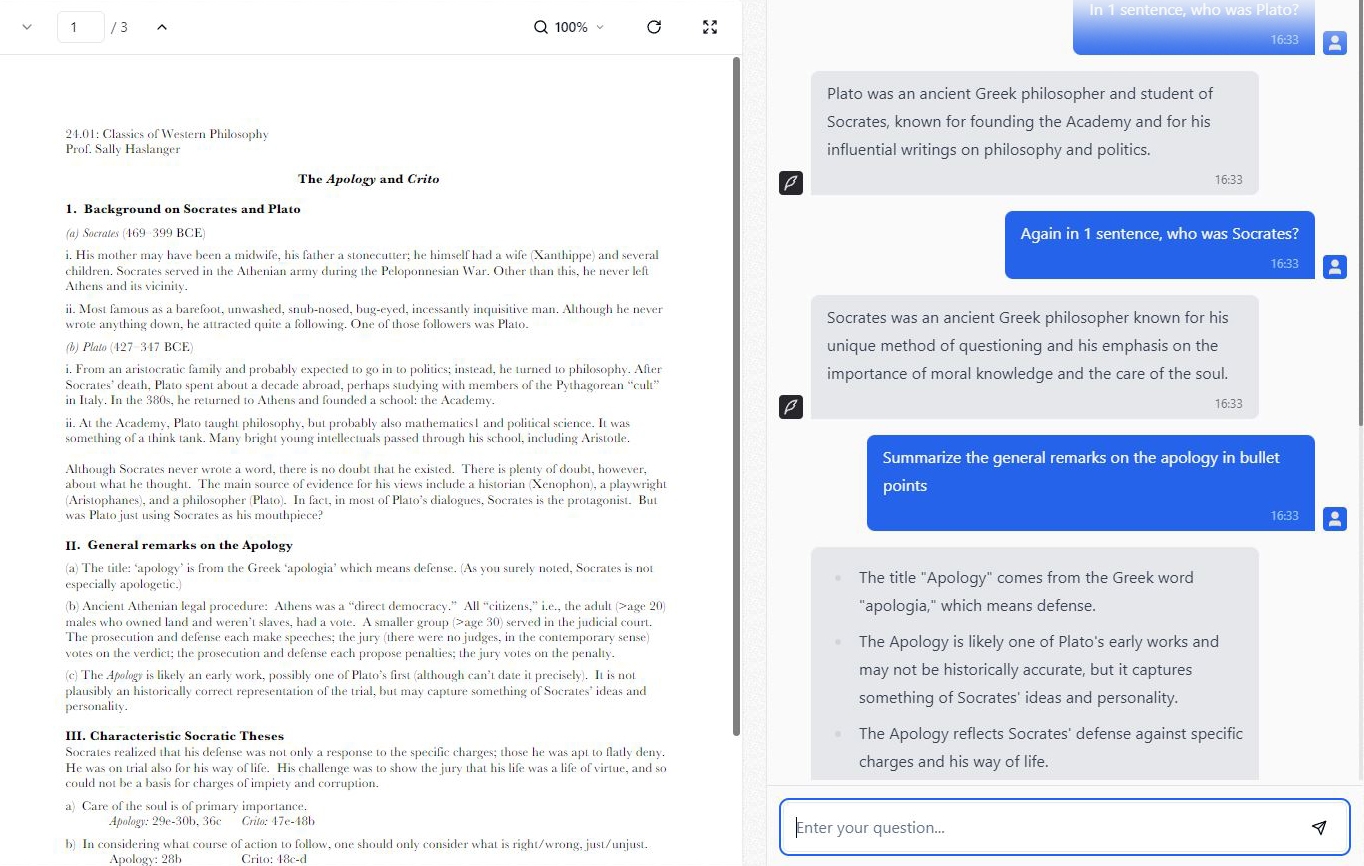
NovaxEducation is now public!
Upload PDFs, Word docs, PowerPoints and images — or import web pages and YouTube videos. Chat across all of them with cited answers, then generate slide decks, quizzes and flashcards in a click.
Get startedBuilding a study workspace around your material has never been easier than with NovaxEducation.
More than chat — a focused study workspace built around every document you open.
Add several PDFs, docs, slides, web pages or videos and chat across them all at once — every answer cites the sources it came from.
Turn your sources into a slide deck (download it as PowerPoint), an interactive quiz, or a set of flashcards in one click — and save them for later.
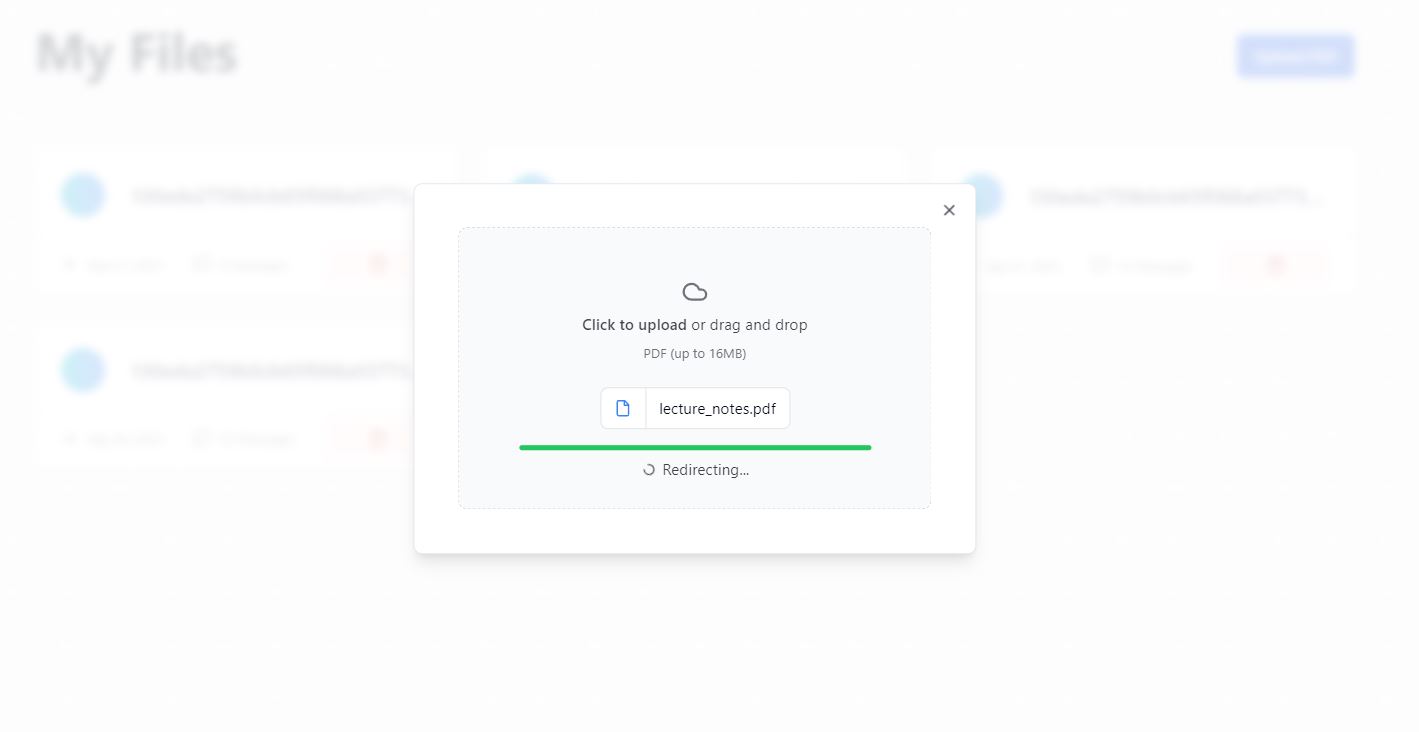
Upload PDFs, Word docs, PowerPoints and images, or import web pages and YouTube videos — we read them all so you can chat with them.
Set your own focus timer and we'll keep you in the study space until it's done — Pomodoro-style focus that actually sticks.
A Microsoft Word-style notes editor with formatting and highlight-to-save, then export your notes as a .docx whenever you like.
CoachMe turns any document into practice questions, checks your answers, and helps you focus on what to revise.
Set the mood while you study — play a built-in track, your own upload, or a link, right next to your focus timer.
A curated library of books and articles — free titles open to everyone, premium titles for Max & Ultra members.
Ask questions and get answers about your documents in the language you're most comfortable with.
Read-aloud, dyslexia-friendly fonts and adjustable text make studying accessible for every learner.